Instant Translate
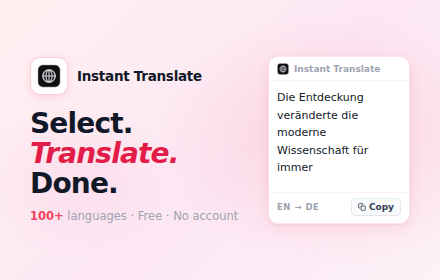
Select. Translate. Done. Get instant popup translations for any text on any webpage. 100+ languages supported.
Why Choose Instant Translate?
The fastest way to translate text while browsing. No popups to navigate, no tabs to switch.
Select & Translate
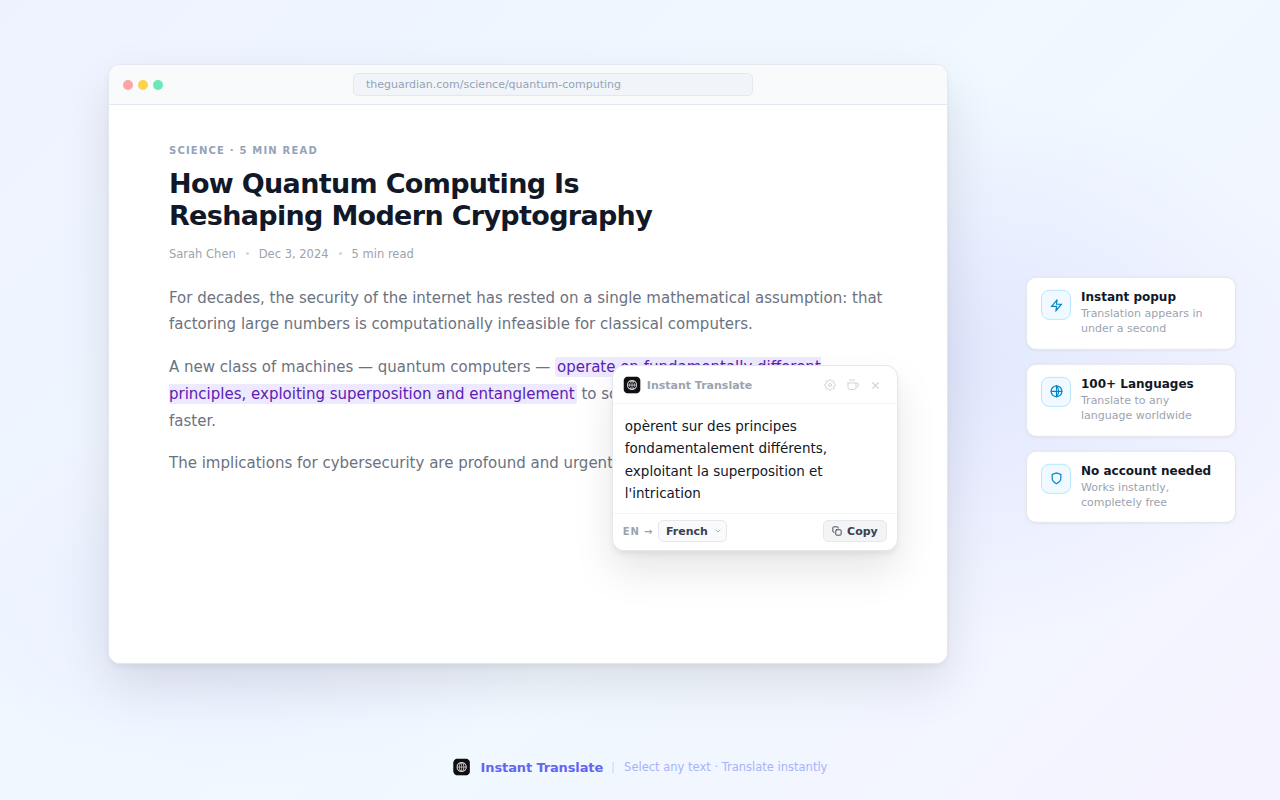
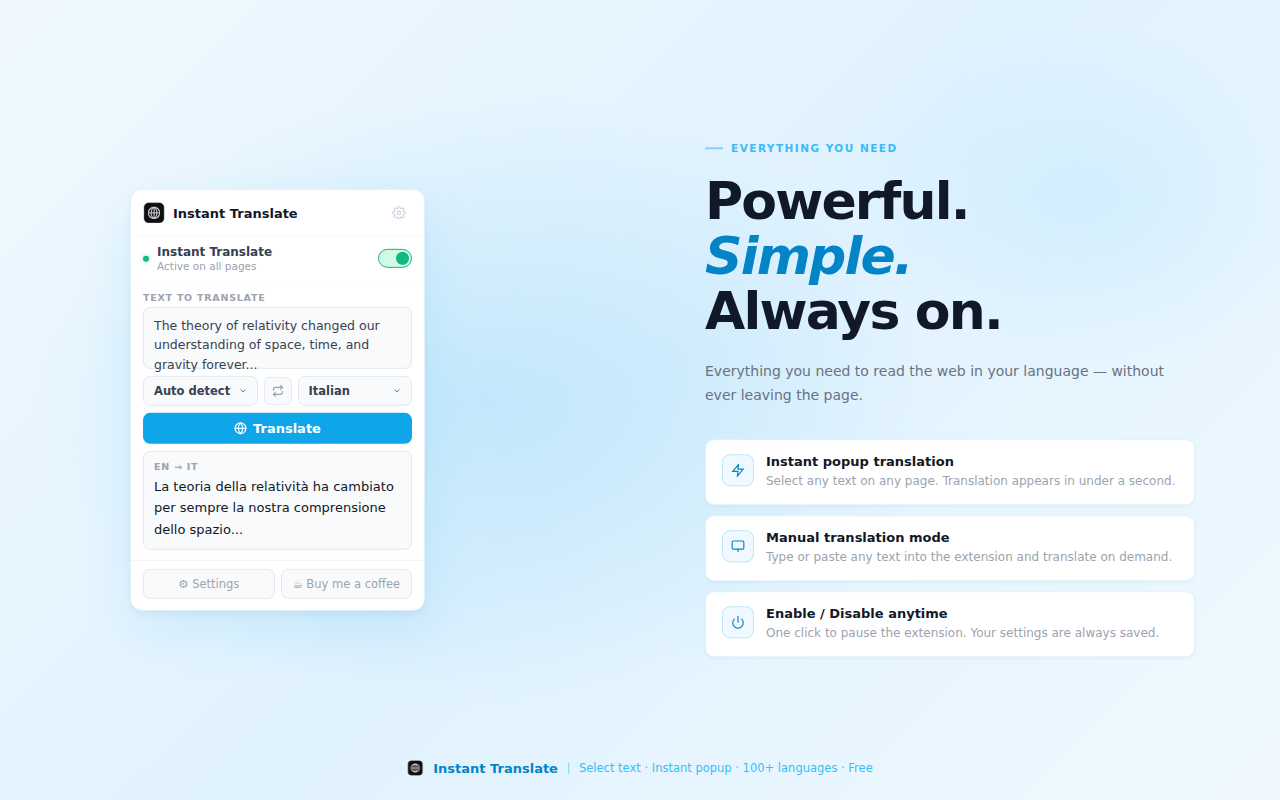
Simply select any text on any webpage and get an instant popup translation. No extra clicks needed.
100+ Languages
Translate between over 100 languages including English, Spanish, French, German, Chinese, Japanese, Korean, Arabic, and more.
One-Click Copy
Copy translated text to clipboard with a single click. Perfect for sharing, writing, or saving translations.
Instant Popup
Translation appears instantly in a clean popup right next to your selection. No page navigation required.
Lightning Fast
Powered by Google Translate API for accurate, speedy translations. Get results in milliseconds.
Privacy Focused
No account required. No data collection. No tracking. Your browsing and translations stay completely private.
See It In Action
Simple, clean, and incredibly fast
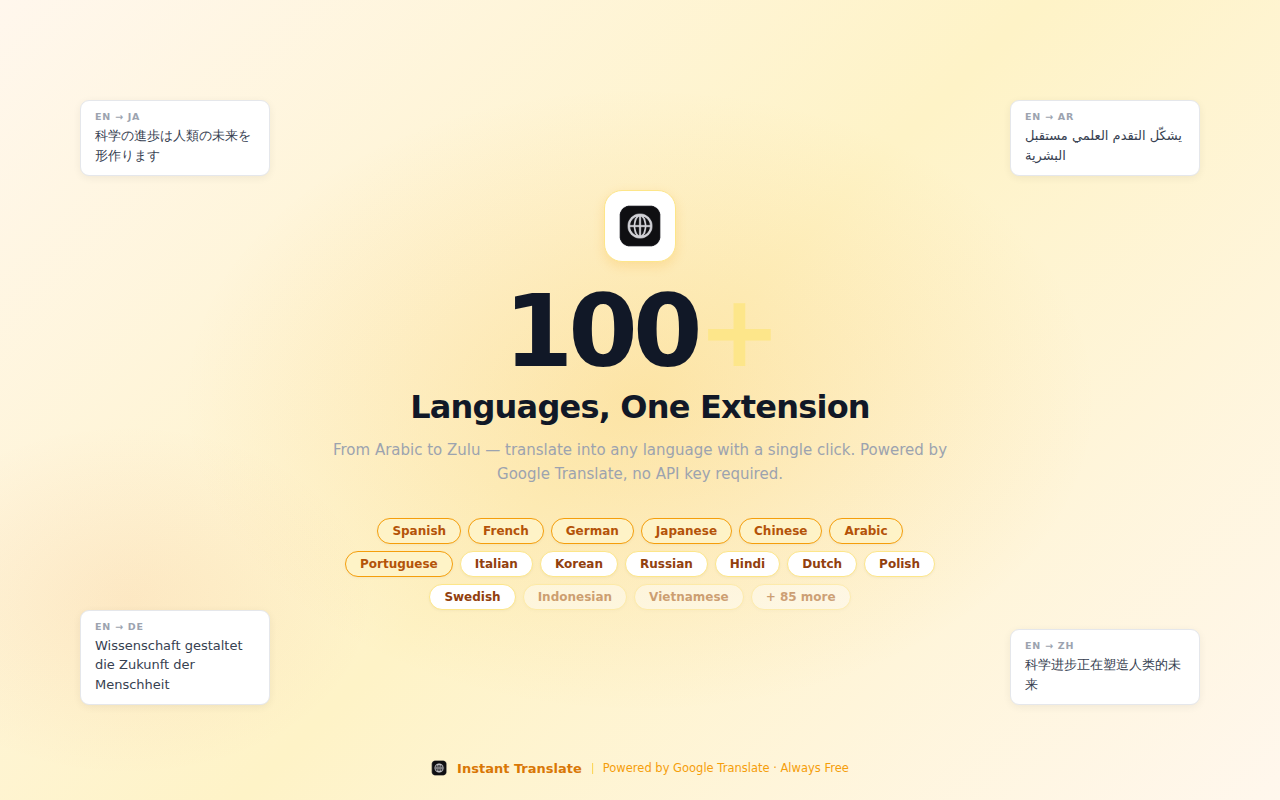
100+ Languages Supported
Translate to and from virtually any language
Perfect For Every Use Case
Read Foreign Websites
Easily understand content on any website regardless of language. Perfect for research, shopping, or browsing international sites.
Learn Languages
Great for language learners! Quickly check meanings of unfamiliar words while reading foreign language content.
Business & Communication
Translate emails, messages, and documents instantly. Essential for international business and communication.
Social Media
Understand posts, comments, and messages in any language on Twitter, Facebook, Instagram, and other platforms.
Frequently Asked Questions
How do I use Instant Translate?
Simply select any text on a webpage by highlighting it with your mouse. A translation popup will appear automatically showing the translation in your target language.
What languages are supported?
Instant Translate supports over 100 languages including all major world languages like English, Spanish, French, German, Chinese, Japanese, Korean, Arabic, Portuguese, Russian, Italian, and many more.
Do I need to create an account?
No! Instant Translate is completely free and requires no account, registration, or sign-up. Just install and start translating immediately.
How do I change the target language?
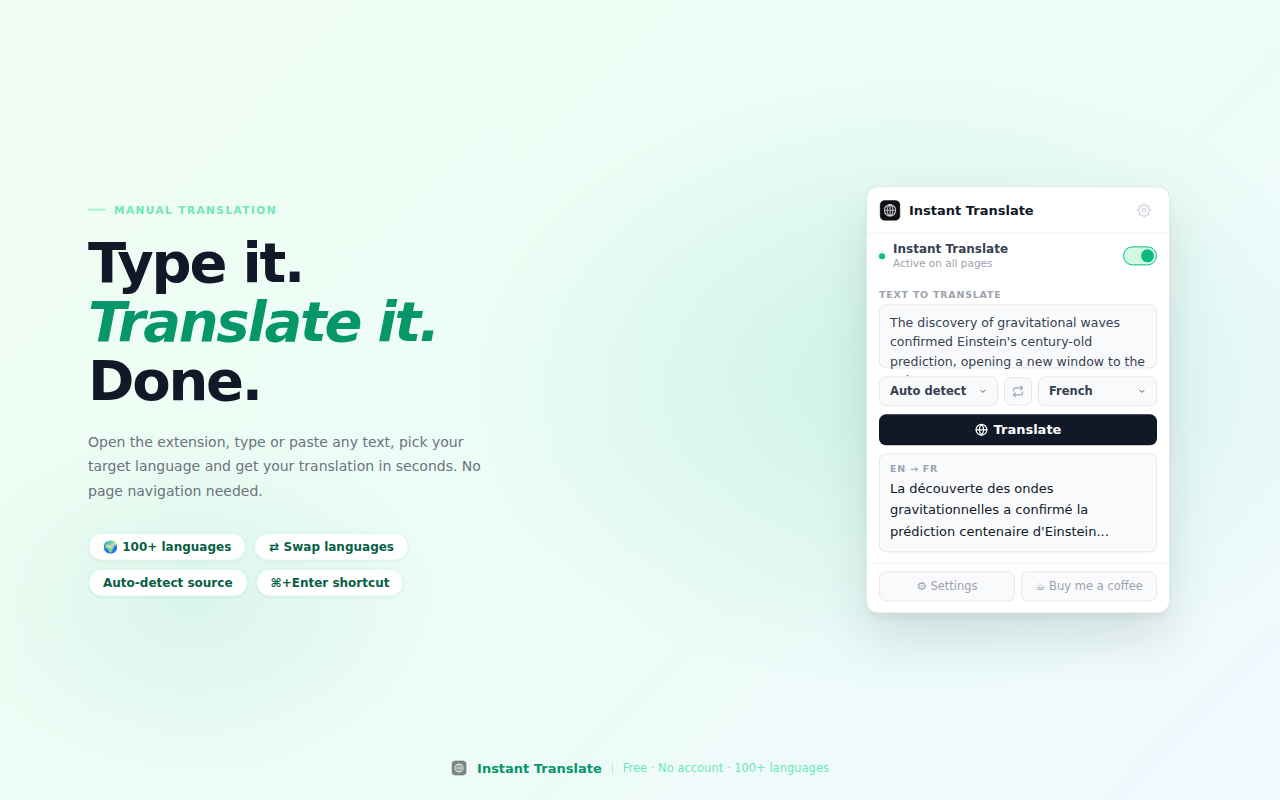
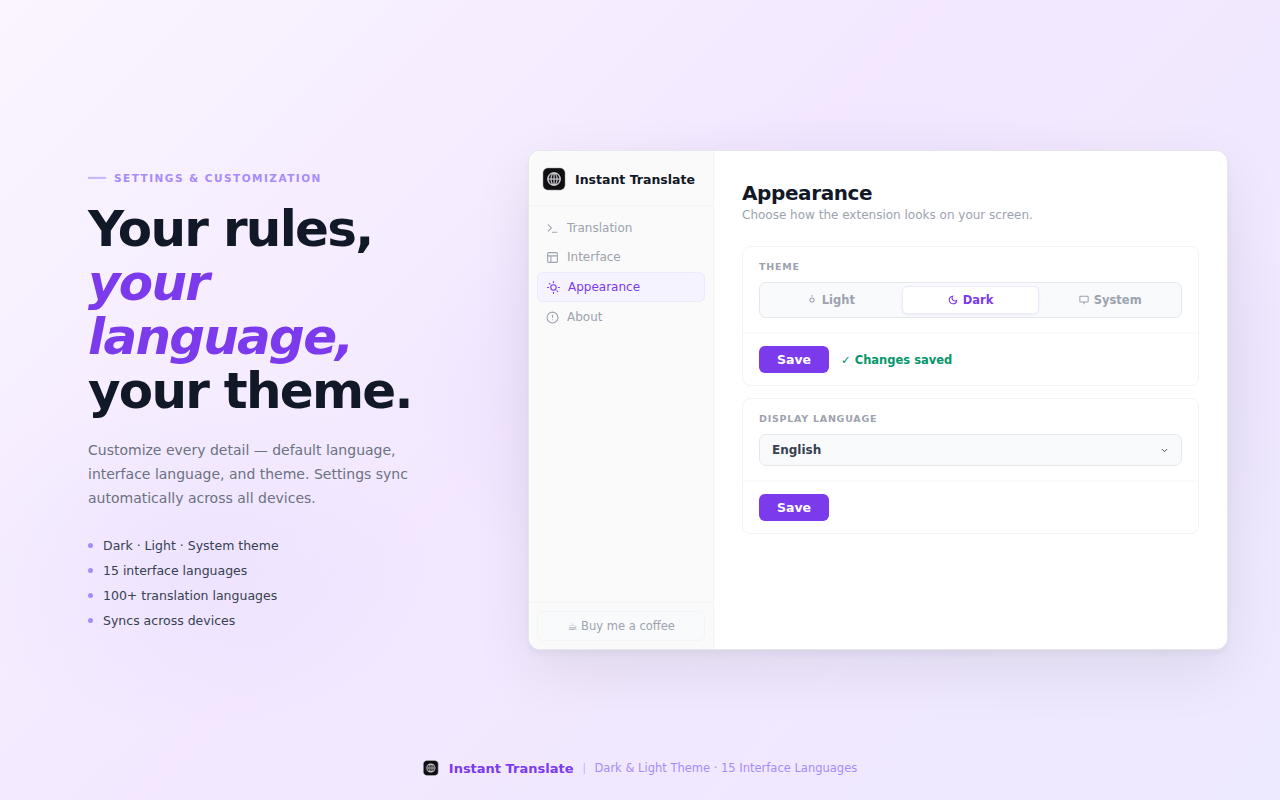
Click on the extension icon in your toolbar to open the popup, where you can select your preferred target language from the dropdown menu.
Is this extension free?
Yes, Instant Translate is 100% free with no premium features, subscriptions, or hidden costs. All features are included at no charge.
Does this work on all websites?
Instant Translate works on virtually all websites. It can translate selected text from any webpage you visit.
Is my data collected or tracked?
No. We are privacy-focused and do not collect any personal data, browsing history, or translation history. Your activity remains completely private.
Can I copy the translated text?
Yes! Just click the copy button in the translation popup to instantly copy the translated text to your clipboard.
Start Translating Instantly
Join thousands of users who translate text instantly. Free forever, no account required.
Add to Chrome - It's FreeWorks with Chrome, Edge, Brave, and other Chromium browsers